SSL Certificates Explained: Why Every Website Needs HTTPS
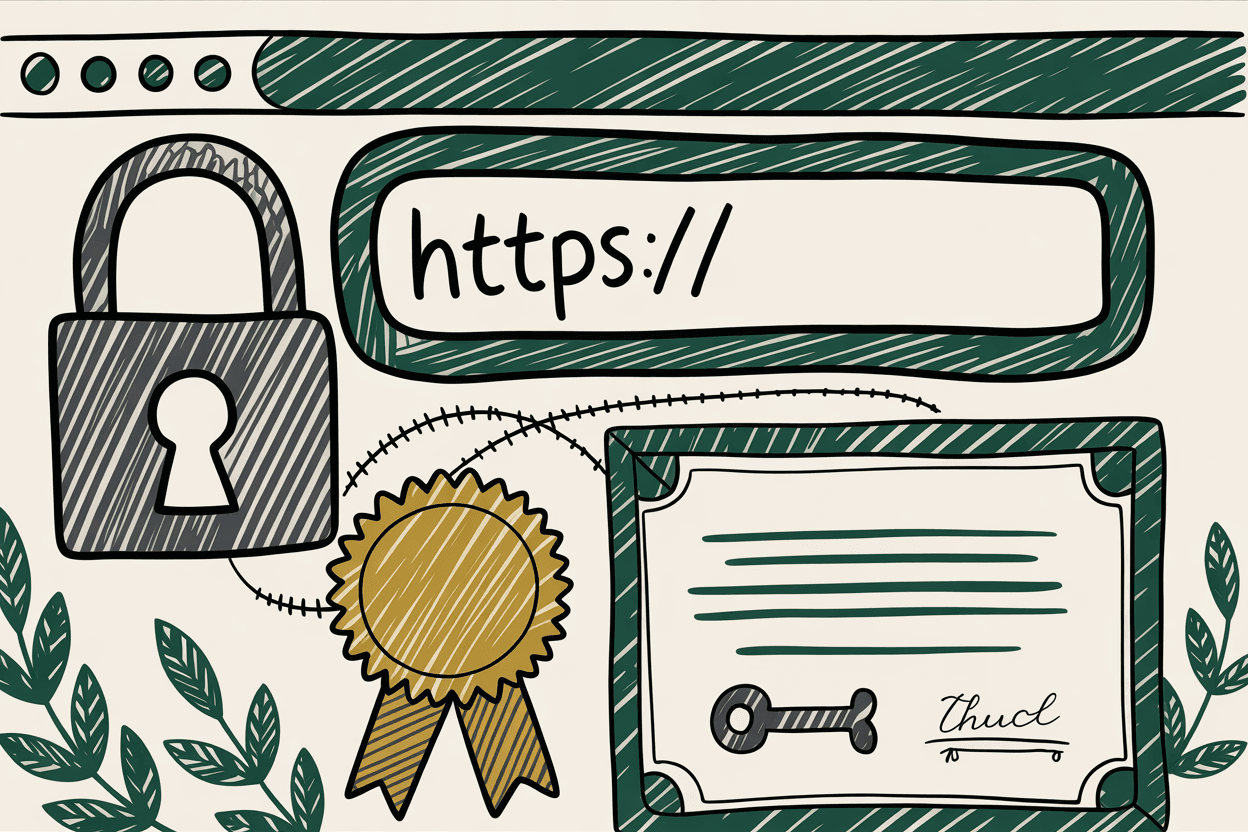
Open your website in Chrome. Look at the address bar. Do you see a padlock icon and "https://" at the beginning of your URL? Good. Your site is secured with an SSL certificate.
Do you see the words "Not Secure" instead? That's a problem. And it's one that's costing you visitors, donations, and trust every single day.
What SSL Actually Does
SSL stands for Secure Sockets Layer. The modern version is actually called TLS (Transport Layer Security), but everyone still says "SSL" because the name stuck. What it does is straightforward: it encrypts the data traveling between your visitor's browser and your web server.
Think of it like sending a letter in a sealed envelope versus writing your message on a postcard. Without SSL, every piece of data your visitors send through your website travels in plain text. Their name, email address, phone number, donation amount, credit card number. Anyone monitoring the network (on public Wi-Fi at a coffee shop, for example) could read it.
With SSL, that data is encrypted before it leaves the browser and decrypted only when it reaches your server. Even if someone intercepts it, they see scrambled characters instead of personal information.
Why Your Organization Needs SSL
Visitor Trust
Since 2018, Google Chrome displays a "Not Secure" warning for every website that doesn't use HTTPS. Firefox, Safari, and Edge do the same. When a potential donor visits your nonprofit's website and sees "Not Secure" in their browser bar, what message does that send?
It doesn't matter that your site might not collect sensitive data on every page. The warning appears site-wide. Visitors don't know the technical details. They just see a warning and leave. Studies from Google have shown that users are significantly less likely to proceed past security warnings.
Protecting Form Data
Your contact form collects names and email addresses. Your donation page handles payment information. Your volunteer signup collects phone numbers and availability. Your church's prayer request form might include deeply personal information.
Without SSL, all of that data is transmitted in plain text. With SSL, it's encrypted. For any organization that asks people to share information through their website, this isn't optional. It's a responsibility.
SEO Rankings
Google confirmed HTTPS as a ranking signal back in 2014. While it's a lightweight signal compared to content quality and relevance, it's still a factor. Every bit of ranking advantage matters, especially for nonprofits and churches competing for visibility in their communities.
More importantly, Google's overall emphasis on page experience, which includes security, means that HTTPS is part of how Google evaluates whether your site provides a good user experience. For organizations working on website speed optimization and SEO, SSL is a baseline requirement.
Compliance Requirements
If your website processes any payment information, even if you link to a third-party payment processor, PCI DSS (Payment Card Industry Data Security Standard) requires encrypted connections. Nonprofits accepting online donations, churches with online giving, and HOAs collecting dues online all fall under this requirement.
Failure to comply isn't just a fine risk. It's a liability risk. If donor payment information is compromised because your site lacked basic encryption, your organization bears responsibility.
How to Get an SSL Certificate
Here's the good news: SSL certificates are free for most organizations. The days of paying hundreds of dollars per year are over for the vast majority of websites.
Free: Let's Encrypt
Let's Encrypt is a free, automated, open certificate authority run by the Internet Security Research Group (ISRG), a public benefit nonprofit. It provides SSL certificates at no cost, and most modern hosting providers include Let's Encrypt integration. That means your certificate is issued and renewed automatically without you doing anything.
If your hosting provider supports Let's Encrypt (and most do in 2026), activating SSL might be as simple as checking a box in your hosting control panel.
Free Through Your Hosting Provider
Many hosting companies include SSL certificates as part of their hosting plans. Providers like Netlify, Vercel, Cloudflare, SiteGround, and WP Engine all provide free SSL with automatic renewal. If you're paying for hosting, check whether SSL is already included. You might have it and not know it.
Paid Certificates
Paid SSL certificates ($10 to $300 per year) still exist and offer different validation levels. Domain Validation (DV) simply confirms you own the domain. Organization Validation (OV) verifies your organization's identity. Extended Validation (EV) provides the highest level of verification.
For nonprofits, churches, and HOAs, a free DV certificate from Let's Encrypt is almost always sufficient. The encryption is identical. The difference is in the identity verification process, which matters more for banks and e-commerce stores than community organizations.
How to Check Your Current SSL Status
Browser Check
Visit your website and look at the address bar. A padlock icon means SSL is active. Clicking the padlock shows certificate details including who issued it and when it expires.
If you see "Not Secure" or a warning triangle, your site either doesn't have SSL or it's misconfigured.
Expiration Date
SSL certificates expire. Most Let's Encrypt certificates are valid for 90 days and renew automatically. Paid certificates typically last one to two years. If automatic renewal fails and your certificate expires, your site displays a scary full-page warning that tells visitors the connection is not private. This will drive away virtually everyone.
Click the padlock icon in your browser and check the expiration date. If automatic renewal is set up correctly, you shouldn't need to worry. But it's worth verifying once a year.
Common SSL Problems and Fixes
Mixed Content Warnings
Your site loads over HTTPS, but some images, scripts, or stylesheets are still loading over HTTP. The browser flags this as "mixed content" and may show a partial warning. Modern browsers often block mixed content entirely, which means some of your images or features might not load at all.
The fix: Update all internal links and resource URLs to use HTTPS. Check your HTML, CSS, and any content management system settings for hardcoded "http://" URLs. Most CMS platforms have plugins or settings to force all URLs to HTTPS.
Not Forcing HTTPS Redirect
You have an SSL certificate, but your site is still accessible over plain HTTP. Visitors who type "yoursite.org" (without the "https://") land on the insecure version. Search engines might index both versions, creating duplicate content issues.
The fix: Set up a 301 redirect from HTTP to HTTPS. This can usually be done through your hosting control panel, your .htaccess file, or your CMS settings. Every request to http://yoursite.org should automatically redirect to https://yoursite.org.
Expired Certificate
Your certificate wasn't renewed, and now visitors see a full-page browser warning saying the connection is not private. This is an emergency. Traffic drops to nearly zero because most visitors will not click through a security warning.
The fix: Renew the certificate immediately. If you're using Let's Encrypt, check why automatic renewal failed (usually a server configuration issue). If you have a paid certificate, renew it and set a calendar reminder for next time. Better yet, switch to a provider with automatic renewal.
The Modern Reality of SSL
There is no reason for any website to lack SSL in 2026. Free certificates are available from Let's Encrypt. Most hosting providers include them automatically. The setup process takes minutes, not hours. Renewal is automated.
The cost of not having SSL is real and measurable. Lost visitors who see "Not Secure" warnings. Lower search rankings. Compliance violations for payment processing. Vulnerability to data interception.
If your nonprofit, church, or HOA website doesn't have HTTPS right now, this is the single most important thing you can fix today. Contact your hosting provider and ask them to enable SSL. If they can't or won't, it's time to find a new host.
Your visitors trust you with their information. HTTPS is the bare minimum to honor that trust. Make sure your website maintenance routine includes checking your certificate status at least once a year.