How AI Is Changing Web Design for Nonprofits (And What Hasn't Changed)
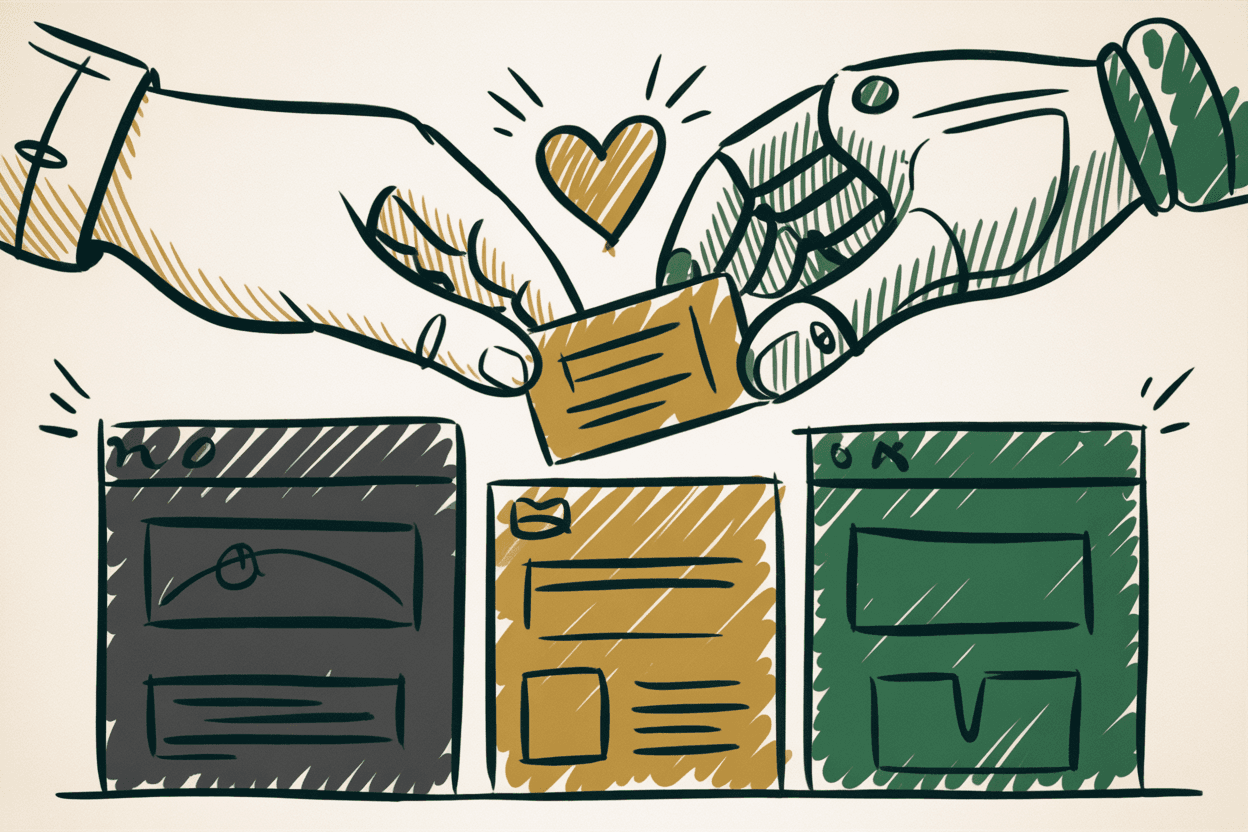
Every week, someone asks us whether AI is going to replace web designers. Every week, the answer is the same: no. But it is changing the work, and ignoring that would be just as foolish as believing the hype.
This isn't an AI puff piece. It's not a scare article either. It's an honest look at what AI actually does well for nonprofit web design right now, what it can't do, and how to think about it without getting swept up in the noise.
What AI Is Actually Good At Right Now
Let's start with the real stuff. Not the press releases. Not the demos. The tools that are genuinely useful today.
Generating First Drafts of Copy
AI can produce a reasonable first draft of website copy in seconds. Need a starting point for your About page? A rough version of a program description? AI can get you 70% of the way there.
The key phrase is "first draft." AI copy reads like AI copy: competent, generic, and devoid of your organization's actual voice. It's a starting point, not a finished product. The organizations that treat it as final copy end up sounding like everyone else.
Creating Image Variations and Design Concepts
AI image tools can generate color palettes, layout concepts, and design mockups faster than starting from scratch. For brainstorming and early exploration, this saves real time.
But AI-generated images still have a generic quality that trained eyes spot immediately. And for organizations that serve real communities, nothing replaces photos of your actual people doing your actual work.
Automating Code Suggestions
AI coding assistants can write boilerplate code, suggest fixes for common bugs, and speed up routine development tasks. For developers, these tools are like having a fast (if sometimes overconfident) junior colleague.
This translates to faster build times on some projects, which can mean cost savings for nonprofits working with limited budgets.
Analyzing Accessibility Issues Faster
AI-powered accessibility scanners can catch certain technical violations quickly. Missing alt text, insufficient color contrast, improper heading structure: automated tools flag these in seconds.
Here's the catch, and it's a big one. Automated tools (AI-powered or otherwise) catch only 30-40% of accessibility issues. The rest require human judgment. Can a screen reader user actually navigate your donation form? Does the tab order make sense? Is the alt text meaningful or just technically present? AI tools flag the easy stuff. The hard stuff still needs a person.
Generating Alt Text Suggestions
AI can look at an image and suggest descriptive alt text. This is genuinely useful as a starting point, especially for organizations with large image libraries and no alt text at all.
But "a group of people standing in front of a building" isn't the same as "volunteers from our 2025 food drive outside the Woodstock Community Center." AI describes what it sees. A human adds meaning and context.
Personalizing Content Recommendations
AI can track visitor behavior and suggest relevant content. If someone is reading about your volunteer programs, a recommendation engine might surface your volunteer signup page. This kind of intelligent linking keeps visitors engaged longer.
Chatbot-Style Visitor Assistance
AI chatbots can answer basic questions, direct visitors to the right page, and handle simple interactions 24/7. For nonprofits with small staff, this can cover gaps when nobody's available to respond.
The risk: a chatbot that gives wrong answers or feels impersonal can do more harm than a simple FAQ page. Keep the scope narrow. Let the bot handle "what are your office hours?" and route complex questions to a real person.
What AI Can't Do (And Won't Anytime Soon)
This is where the conversation gets important. The things AI can't do aren't edge cases. They're the things that actually make a nonprofit website effective.
Understand Your Mission and Voice
Your organization has a specific story, a specific community, and a specific reason for existing. AI doesn't know any of that. It can imitate a nonprofit tone, but it can't capture the voice that makes your supporters feel something real.
A church that uses AI to write all its website copy will sound like a church that used AI to write all its website copy. Your congregation will notice even if they can't articulate why.
Make Design Decisions That Reflect Your Values
Design isn't just aesthetics. It's communication. The choice to put your accessibility statement in the footer, to make your donation button prominent without being aggressive, to use photos of real community members instead of stock images: these are values decisions. AI doesn't have values.
Build Genuine Trust With Your Community
Trust comes from relationship, consistency, and authenticity. No AI tool creates that. Your website builds trust when it reflects who you actually are, not who an algorithm thinks you should be.
Ensure Accessibility Compliance
This is critical and frequently misunderstood. AI accessibility tools are useful for catching surface-level issues. But full WCAG 2.1 AA compliance requires human testing, including testing with actual assistive technology users.
AI tools miss 60-70% of accessibility issues that require human judgment. If your organization relies solely on AI for accessibility, you're exposing yourself to both legal risk and, more importantly, excluding the very people you claim to serve.
Replace the Designer-Client Relationship
Good web design comes from conversation. A designer asks questions, listens to your answers, pushes back when something won't work, and proposes solutions you hadn't considered. That back-and-forth is where the best work happens.
AI doesn't ask follow-up questions. It doesn't notice that you seem uncertain about your messaging. It doesn't suggest that your "About Us" page is actually more compelling than your homepage. The relationship is the process.
Understand Context and Nuance in Storytelling
Nonprofit storytelling requires sensitivity. Writing about the communities you serve, sharing impact stories, honoring the dignity of the people in your programs: this requires judgment that AI simply doesn't have.
AI can accidentally frame vulnerable populations in harmful ways. It can flatten complex stories into cliches. It can miss cultural context entirely. Human oversight isn't optional here. It's ethical responsibility.
What This Means for Nonprofits
Here's the practical takeaway. AI tools can reduce costs on certain tasks. First-draft copy, image generation, basic code, automated scanning: these are legitimate time-savers.
But the strategic work? Understanding your audience, designing for accessibility, telling your story authentically, building something that truly serves your mission: that still requires human expertise and care. If you're choosing a CMS platform or deciding between Next.js and WordPress, AI won't make that strategic decision for you.
The organizations getting the most from AI right now are the ones using it to speed up execution, not replace strategy. They draft faster, iterate quicker, and catch routine errors sooner. Then humans do the hard, meaningful work of shaping it into something real.
The Right Approach
Use AI as a tool in the process, not as a replacement for the process.
A nonprofit that uses ChatGPT to write all its website copy will sound like every other AI-generated site. You'll blend into a sea of competent blandness. Your supporters won't feel anything when they read it.
An organization that uses AI to speed up drafts and then refines them with human insight, authentic stories, and genuine voice will get the best of both. The efficiency of AI plus the soul of human craft.
Here's a practical framework:
Use AI for: first drafts, brainstorming, code boilerplate, color palette exploration, initial accessibility scans, alt text starting points, content calendars, FAQ generation.
Use humans for: final copy, brand voice, design strategy, accessibility compliance, storytelling, donor communication, community-facing content, anything that represents your organization to the world.
Use both together for: content workflows where AI drafts and humans refine, development sprints where AI assists with code and humans architect the solution, accessibility audits where automated tools flag issues and humans verify and fix them.
Questions to Ask Before You Adopt AI Tools
Not every AI tool is worth your time or budget. Before adding any AI solution to your workflow, run it through these questions.
What problem does this solve? If the answer is "it's cool" or "everyone else is using it," that's not a reason. Identify a specific pain point. "We spend 10 hours a month writing first drafts of program descriptions" is a real problem that AI might help with.
What's the quality floor? AI output varies wildly. Test any tool with your actual content before committing. Generate ten pieces of copy and evaluate them honestly. If seven out of ten need complete rewrites, the tool isn't saving you time. It's creating a different kind of work.
Who reviews the output? Every piece of AI-generated content that represents your organization needs a human reviewer. That reviewer needs to understand your voice, your audience, and your values. If you don't have that person, AI tools will create problems faster than they solve them.
What happens to the data? When you feed your donor data, community stories, or organizational strategy into an AI tool, where does that information go? Review the tool's privacy policy and data retention practices. For nonprofits handling sensitive information, this isn't optional due diligence.
Does this align with our values? Some organizations will decide that AI-generated content doesn't align with their commitment to authenticity. That's a valid choice. Others will embrace it as a way to do more with limited resources. Also valid. The key is making a deliberate decision rather than defaulting into adoption because everyone else is.
What Hasn't Changed
Strip away all the AI conversation and the fundamentals are exactly where they've always been.
Your website still needs to be fast. A donor on a slow connection still needs to be able to complete a gift. Performance isn't a nice-to-have.
Your website still needs to be accessible. Every person who visits your site deserves to use it fully. No AI tool changes that obligation.
Your website still needs to be mobile-friendly. Most of your traffic comes from phones. If your site doesn't work on a phone, it doesn't work.
Your website still needs to be honest. Authentic. Clear about who you are and what you do. No AI-generated copy, however polished, replaces the truth of your actual mission.
The tools are changing. The principles haven't.
Sources
- •Accessibility Testing with Automated Tools and AI: Capabilities and Limitations — W3C Web Accessibility Initiative
- •The State of AI in Design 2025 — Nielsen Norman Group
- •Nonprofit Technology and AI Adoption Survey — NTEN
- •AI-Generated Content: Risks and Realities for Organizations — Content Marketing Institute
- •WCAG 2.1 Guidelines — W3C