Schema Markup for Organizations: Getting Rich Results in Google
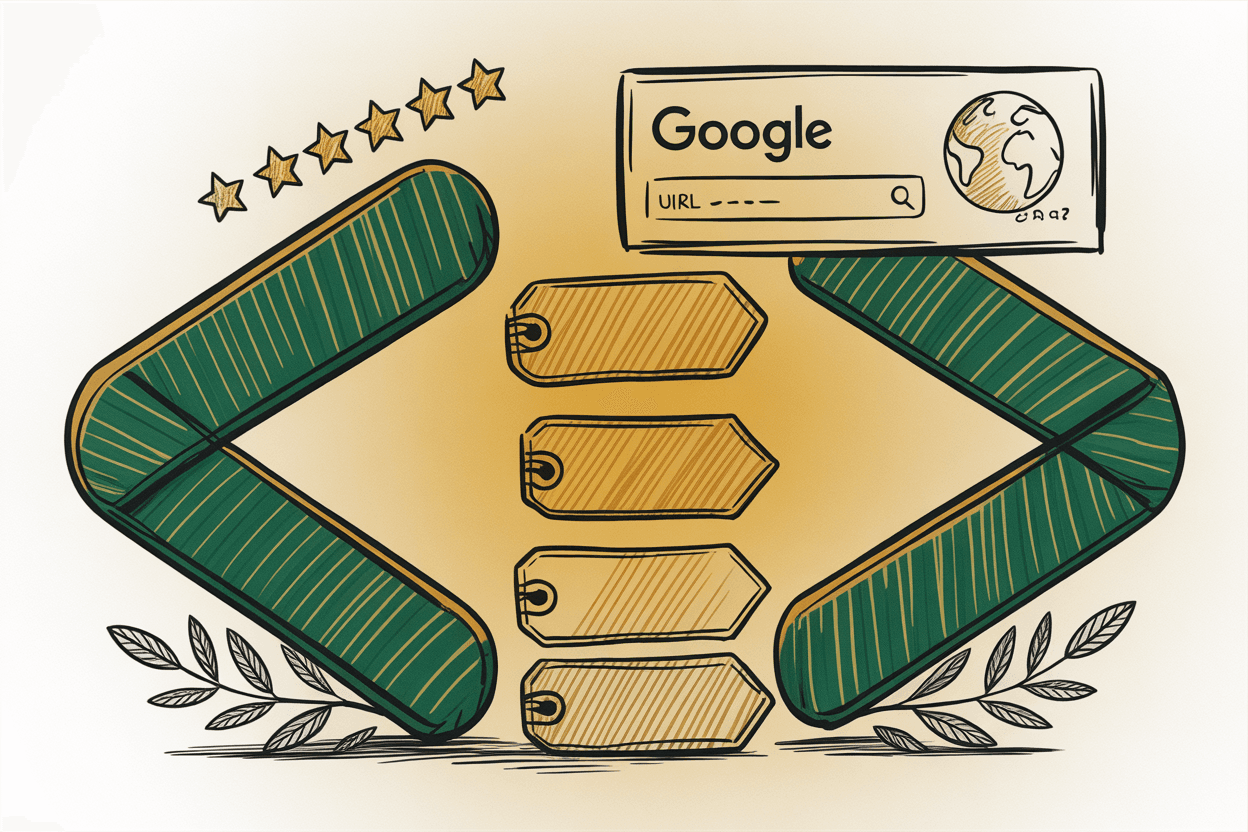
Google can read the text on your website. It can crawl your pages, index your content, and match keywords. But reading and understanding are two different things.
Schema markup bridges that gap. It's a layer of structured data you add to your website's code that tells search engines exactly what your content means. Not just "this page has an address on it" but "this is the physical address of this specific nonprofit organization." Not just "here's a date and a title" but "this is an event happening at this location on this date at this time."
When search engines understand your content at that level, good things happen. You get rich results, knowledge panels, and better visibility in both traditional search and AI-powered tools.
What Schema Markup Actually Is
Schema markup is a standardized vocabulary maintained by Schema.org, a collaboration between Google, Microsoft, Yahoo, and Yandex. It uses a specific format called JSON-LD (JavaScript Object Notation for Linked Data) to describe what's on your web pages.
Here's a simplified example. Without schema, Google sees this text on your About page: "First Community Church, 123 Main Street, Springfield, IL 62701, (555) 555-1234." Google can probably figure out that's an address and phone number. Probably.
With schema markup, you add a block of JSON-LD code to your page that explicitly says: this is a Church. Its name is First Community Church. Its address is 123 Main Street, Springfield, IL 62701. Its phone number is (555) 555-1234. Its service times are Sunday at 9:00 AM and 11:00 AM. No guessing required.
Google recommends JSON-LD as the preferred format for structured data. You place it in a `<script>` tag in your page's `<head>` section (or anywhere in the `<body>`), and it doesn't affect what visitors see on the page. It's invisible to humans, visible to machines.
Why It Matters for Your Organization
Rich Results
Rich results are the enhanced search listings you see in Google: event dates and times appearing directly in search results, FAQ answers expanding right on the search page, star ratings, breadcrumb navigation trails, and organization logos in knowledge panels.
These enhanced listings get significantly higher click-through rates than plain blue links. When your church's service times show up directly in the search results, someone looking for a new church home gets their answer instantly.
Knowledge Panels
That box on the right side of Google search results showing an organization's logo, address, phone number, and social profiles? That's a knowledge panel. Schema markup is one of the strongest signals you can send to help Google generate one for your organization.
AI and Answer Engine Optimization
This is the emerging frontier. AI tools like Google's AI Overviews, ChatGPT search, and other answer engines pull from structured data to generate answers. When your website has clear schema markup, these tools can cite your organization accurately. This matters for nonprofit SEO and church visibility as AI search grows.
Schema Types for Nonprofits, Churches, and HOAs
Schema.org has hundreds of types. Here are the ones that matter most for the organizations we work with.
Organization and Its Subtypes
Organization is the base type. It covers name, logo, URL, contact information, social media profiles, founding date, and description. Every organization website should have this at minimum.
NonprofitOrganization is not a separate schema type in the traditional sense, but Schema.org does support nonprofit-specific properties. You can indicate an organization's `nonprofitStatus` to specify its tax-exempt classification (like 501(c)(3) in the United States). This helps search engines understand your organization's legal structure.
Church is a specific subtype under CivicStructure and Place. It's perfect for church websites and includes all the Organization properties plus location-specific ones like `openingHours` for service times.
CivicStructure covers community buildings and facilities. If your HOA has a clubhouse, community center, or pool, this type can describe those amenities.
Event
The Event schema is powerful for any organization that holds regular events. Church services, board meetings, fundraising galas, community cleanups, vacation Bible school. Mark up your events with dates, times, locations, and descriptions, and they can appear directly in Google search results and Google Maps.
```json { "@context": "https://schema.org", "@type": "Event", "name": "Annual Community Fundraiser Gala", "startDate": "2026-06-15T18:00:00-05:00", "endDate": "2026-06-15T22:00:00-05:00", "location": { "@type": "Place", "name": "Springfield Community Center", "address": { "@type": "PostalAddress", "streetAddress": "456 Oak Avenue", "addressLocality": "Springfield", "addressRegion": "IL", "postalCode": "62701" } }, "description": "Join us for an evening of dinner, live music, and silent auction to support community programs.", "organizer": { "@type": "Organization", "name": "Springfield Community Foundation" } } ```
FAQPage
If you have a FAQ page (and you should), the FAQPage schema can display your questions and answers directly in Google search results. This takes up significant real estate on the results page and drives clicks.
Article
Blog posts and news articles can use the Article schema to provide authorship, publication date, and category information. If you're publishing content for church SEO or nonprofit thought leadership, this helps search engines understand and feature your content.
BreadcrumbList
Breadcrumbs show the navigation path to a page (Home > Blog > Schema Markup). The BreadcrumbList schema makes these appear in search results, helping users understand your site's structure before they click.
How to Implement Schema Markup
Step 1: Start with Organization Markup
Every website should have Organization schema on the home page. Here's a template for a nonprofit:
```json { "@context": "https://schema.org", "@type": "Organization", "name": "Your Organization Name", "url": "https://www.yourwebsite.org", "logo": "https://www.yourwebsite.org/logo.png", "description": "A brief description of your organization and its mission.", "telephone": "(555) 555-1234", "email": "info@yourwebsite.org", "address": { "@type": "PostalAddress", "streetAddress": "123 Main Street", "addressLocality": "Springfield", "addressRegion": "IL", "postalCode": "62701", "addressCountry": "US" }, "sameAs": [ "https://www.facebook.com/yourorg", "https://www.instagram.com/yourorg", "https://twitter.com/yourorg" ] } ```
Place this inside a `<script type="application/ld+json">` tag in your home page's HTML.
Step 2: Add Event Markup
For every event page or listing, add Event schema with the date, time, location, and description. If you have recurring events (like weekly church services), each occurrence should ideally have its own markup.
Step 3: Mark Up Your FAQ Page
If you have questions and answers on your site, wrap them in FAQPage schema. Each question-answer pair becomes a potential rich result in Google.
Step 4: Add Article Schema to Blog Posts
For each blog post, include Article schema with the headline, author, publication date, and featured image. This helps search engines categorize and feature your content.
Tools for Creating and Testing Schema
Creating Schema
Google's Structured Data Markup Helper walks you through tagging content on your pages. Schema.org's documentation provides the full reference for every type and property. Most modern CMS platforms (WordPress, Squarespace, etc.) have plugins that generate schema automatically.
Testing Schema
Google Rich Results Test (search.google.com/test/rich-results): paste a URL and see which rich results your page is eligible for. This is the most important test because it shows what Google will actually do with your markup.
Schema Markup Validator (validator.schema.org): checks whether your JSON-LD is syntactically correct and follows Schema.org standards. More thorough than Google's tool for catching structural errors.
Run both after adding schema to any page.
Common Mistakes to Avoid
Marking up content that isn't on the page. Your schema should describe content that's actually visible on the page. Don't add Event schema for an event that's only mentioned on a different page. Google may penalize misleading structured data.
Using deprecated types. Schema.org evolves. Some types and properties get replaced. Check the current documentation before implementing anything.
Invalid JSON. A missing comma, an unclosed bracket, a mismatched quote. These tiny errors break the entire schema block. Always validate your JSON-LD before deploying it.
Forgetting to update. If your phone number changes, your schema still has the old one. If an event passes, the schema still says it's upcoming. Treat schema like any other content: keep it current.
Schema and the Future of Search
Traditional SEO is about ranking on page one. The next era of search is about being the answer. AI assistants, voice search, and answer engines don't send users to a list of ten blue links. They pull information from sources they trust and present it directly.
Schema markup is how you tell those systems exactly what your organization is, what it does, where it is, and when things happen. Organizations that invest in structured data now are positioning themselves to be cited, referenced, and recommended by the AI tools that are reshaping how people find information.
Start with your Organization markup. Add events and FAQ. Test it. Keep it updated. The payoff compounds over time.