Online Giving for Churches: Choosing the Right Donation Platform
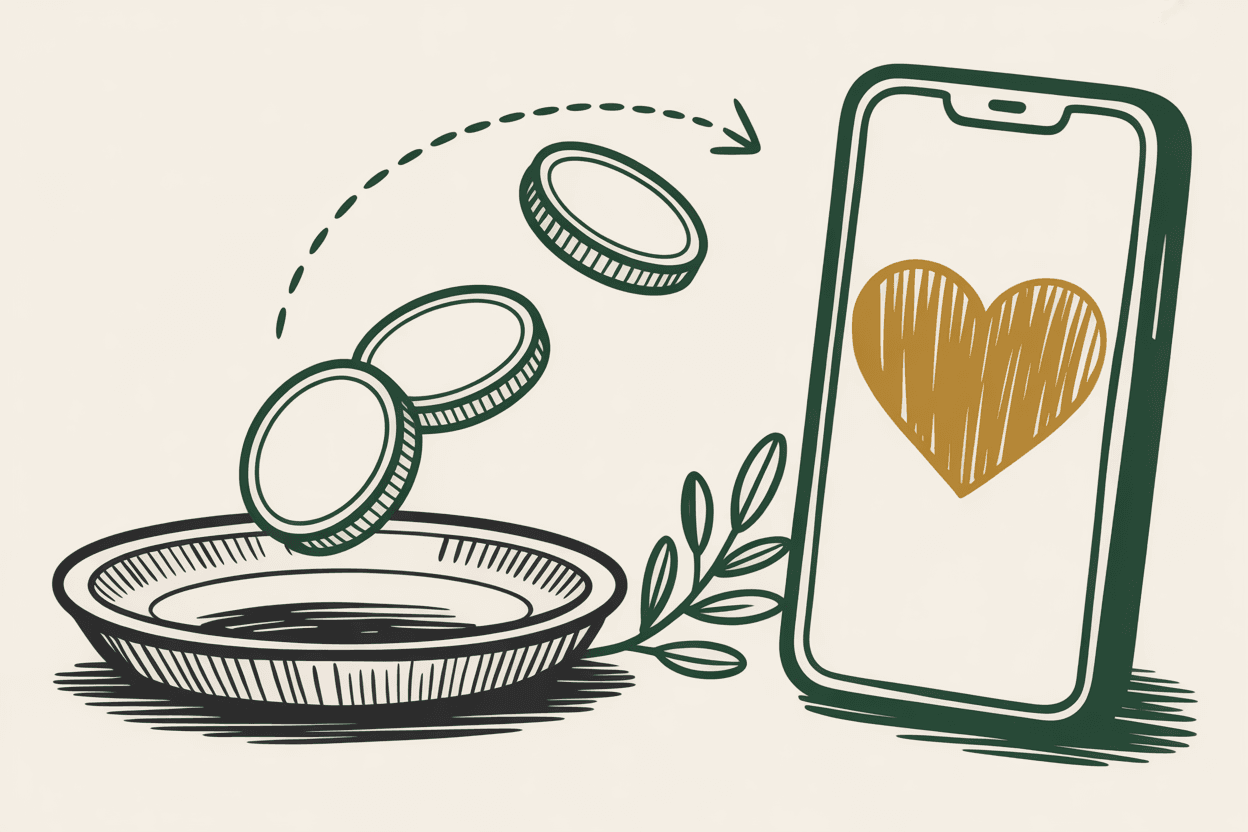
The offering plate still matters. But for a growing number of churchgoers, especially those under 45, pulling out a phone is more natural than pulling out a checkbook. If your church doesn't offer online giving, you're making generosity harder than it needs to be.
This isn't about replacing the Sunday morning offering. It's about meeting people where they are. The family that forgets their checkbook. The college student who hasn't carried cash in years. The faithful member who travels for work but wants to keep giving consistently. Online giving serves all of them.
The challenge isn't whether to offer online giving. It's choosing the right platform from a crowded field of options.
Why Online Giving Matters
Before comparing platforms, it's worth understanding what online giving actually changes for a church.
Recurring giving transforms your budget. When members set up automatic monthly donations, your church gains predictable income. No more summer slumps when families go on vacation. No more anxious budget meetings because attendance dipped for three weeks. Churches that implement online giving consistently report that 50% to 70% of their digital donations come through recurring gifts.
Younger demographics expect it. Millennials and Gen Z grew up paying for everything with a tap or a swipe. Asking them to write a check feels like asking them to send a telegram. If you want the next generation to develop a habit of generosity, you need to offer a giving method that fits their habits.
Convenience increases generosity. This isn't speculation. Churches that add online giving typically see total donations increase by 15% to 30% within the first year. Not because people give more out of obligation, but because removing friction makes it easier to act on the impulse to give.
Comparing the Major Platforms
Here's an honest look at the most popular online giving platforms for churches. Each has strengths and tradeoffs, and the right choice depends on your congregation's size, budget, and existing tools.
Tithe.ly
Best for: Small to mid-size churches looking for an affordable starting point.
Tithe.ly is one of the most popular church giving platforms, and for good reason. It's free to set up with no monthly fees. The church pays 2.9% plus $0.30 per transaction, which is standard credit card processing. Donors can choose to cover the processing fees, and many do.
The platform offers a clean mobile app, a web-based giving form you can embed on your website, and text-to-give functionality. Reporting is solid, with fund-level tracking and the ability to export data for your accounting software. Tithe.ly also offers a church management suite (Tithe.ly ChMS) if you want to consolidate tools.
The downside: the free tier has limited customization. Your giving page will look functional but basic unless you upgrade to a paid plan. The app experience, while good, isn't as polished as some premium competitors.
Pushpay
Best for: Larger churches that want a premium, fully branded experience.
Pushpay is the high-end option in church giving. It provides a custom-branded app for your church, a polished giving experience, and deep analytics. The platform is designed to drive recurring giving, and churches using Pushpay consistently report high adoption rates.
The tradeoff is cost. Pushpay doesn't publish pricing publicly, but plans typically start around $300 to $500 per month, plus transaction fees. For a church of 500 or more, this can make sense. For a church of 100, it's a significant line item that may not justify the premium over more affordable options.
Pushpay also integrates with most major church management systems, and their customer support is well-regarded.
Planning Center Giving
Best for: Churches already using Planning Center for other ministry management.
If your church uses Planning Center for services, people management, or check-ins, their Giving module fits seamlessly into the ecosystem you already know. The interface is familiar, the data flows between modules, and you're not juggling another login.
Pricing is straightforward. The Giving module is free to use, with standard processing fees (2.2% plus $0.30 for ACH/bank transfers, 2.9% plus $0.30 for credit cards). There's no monthly subscription fee for the Giving module itself, though other Planning Center modules have tiered pricing based on church size.
The giving experience is clean but not flashy. It works well on mobile browsers, and you can embed giving forms on your website. One limitation: Planning Center Giving doesn't offer a standalone app, so donors access it through the Church Center app (more on that below) or your website.
Church Center by Planning Center
Best for: Churches wanting an all-in-one member-facing app tied to Planning Center.
Church Center is Planning Center's public-facing app for congregations. Members can register for events, check in their kids, find small groups, and give, all from one app. If your church already runs on Planning Center, Church Center is the natural front door for your members.
The giving experience within Church Center is identical to Planning Center Giving. The app is free for your congregation to download, and it carries your church's branding (logo, colors). The advantage is consolidation. Instead of asking members to download a giving app, an events app, and a directory app, you give them one.
The limitation is the same as Planning Center Giving: it's most valuable if you're already invested in the Planning Center ecosystem. Adopting it as a standalone giving tool doesn't make as much sense.
Subsplash
Best for: Churches that want a custom app with built-in giving and media.
Subsplash offers a custom-branded church app that includes giving, sermon streaming, push notifications, and event management. Think of it as a Pushpay alternative with a broader feature set and slightly lower pricing.
Plans start around $100 to $200 per month, depending on features. Transaction fees are standard (2.9% plus $0.30 for cards). The app experience is polished and professional, and their media hosting (for sermons and podcasts) is a strong differentiator.
The downside: you're committing to Subsplash as your app platform. If you want to switch later, you'll need to convince your congregation to download a new app. That migration cost isn't financial, but it's real.
PayPal and Venmo
Best for: Very small churches or as a supplementary option alongside a dedicated platform.
PayPal and Venmo are familiar. Almost everyone has one or both. And setting up a PayPal donate button takes about 10 minutes. Transaction fees are 2.9% plus $0.30 (PayPal) or 1.9% plus $0.10 for charity-registered accounts.
But there are real limitations. PayPal doesn't integrate with church management software. Recurring giving is clunky. There's no fund-level tracking without manual work. And sending tithes through Venmo feels, to many churchgoers, uncomfortably informal.
If your church has 50 members and zero budget for a giving platform, PayPal works as a bridge. But it shouldn't be your long-term solution. A thoughtfully designed donation page on your website will always outperform a generic PayPal button.
How to Choose the Right Platform
With so many options, the decision can feel paralyzing. Focus on these four factors to narrow it down.
1. What Tools Do You Already Use?
If your church runs on Planning Center, start with Planning Center Giving. If you already have a Subsplash app, add their giving module. Building on existing infrastructure is almost always smarter than adding another disconnected tool.
2. How Big Is Your Congregation?
For churches under 200, Tithe.ly or Planning Center Giving offer the best value. The free or low-cost entry point means you can launch online giving without a budget conversation. For churches of 500 or more, the analytics and adoption tools in Pushpay or Subsplash may justify the higher cost.
3. What's Your Budget?
Be honest about what you can sustain month over month. A $400/month platform that sits half-adopted is worse than a free platform that 80% of your congregation uses. Consider the total cost of your church's website alongside giving platform costs to build a realistic digital budget.
4. How Important Is Mobile?
If your congregation skews younger, a dedicated app (Pushpay, Subsplash, or Church Center) will drive higher adoption than a web-only giving form. If your congregation skews older, a simple web-based form that works on any device may be all you need.
Platform Comparison at a Glance
Tips for a Smooth Implementation
Choosing a platform is step one. Getting your congregation to actually use it is step two, and it's where many churches stall.
Communicate Early and Often
Don't just announce online giving once from the stage. Talk about it for several weeks before launch. Explain why you're adding it, who it's for, and how easy it is. Record a short tutorial video showing the setup process. People fear what they don't understand.
Make It Visible
Put a "Give" button in your website's main navigation. Not buried in a submenu. Not at the bottom of the page. In the top navigation bar, where it's visible on every page. Include a QR code in your bulletin that links directly to your giving page. Display the QR code on screen during the offering.
Offer Multiple Methods
Online giving shouldn't replace cash and check giving. It should add to it. Some members will always prefer the offering plate. Others will always prefer their phone. The goal is to make every method equally easy and equally honored.
Show Gratitude
Send automated thank-you emails after every donation. Provide year-end giving statements promptly (most platforms generate these automatically). When your congregation sees that their digital gifts are tracked and appreciated just as much as cash in the plate, adoption increases.
Start with Your Leaders
Ask your staff, elders, and small group leaders to set up online giving first. When they talk about it naturally in conversation ("I just set up recurring giving and it took two minutes"), it normalizes the experience for everyone else.
The Bottom Line
Online giving isn't a technology decision. It's a stewardship decision. You're removing barriers between your congregation's desire to give and their ability to act on that desire.
The best platform is the one your people will actually use. Don't chase features you don't need. Don't overspend on a premium solution when a simple one will serve your church well. And don't wait for the perfect moment to launch. The sooner you make giving easier, the sooner your congregation benefits.
Pick a platform, set it up, and start removing friction. Your congregation is ready.