Website Accessibility Overlays: Why They Don't Actually Work
A JavaScript widget that makes your website accessible with one line of code. No redesign needed. No developer required. Just paste a script, add a floating icon to your page, and you're ADA compliant.
That's the pitch from companies selling accessibility overlays. And it's one of the most misleading claims in the web industry today.
If your organization is considering an overlay (or already has one installed), here's what you need to know.
What Overlays Actually Are
Accessibility overlays are third-party tools that add a small toolbar or floating icon to your website. When a visitor clicks it, they get options like adjusting font size, changing contrast, enabling a screen reader mode, or highlighting links.
Popular overlay products include AccessiBe, UserWay, AudioEye, and EqualWeb. They typically cost $500 to $2,000 per year. Some offer free tiers with limited features.
The promise is appealing, especially for organizations without a big budget or in-house development team. One line of code, instant compliance, lawsuit protection. Who wouldn't want that?
The problem is that none of those promises hold up.
Why They Don't Work
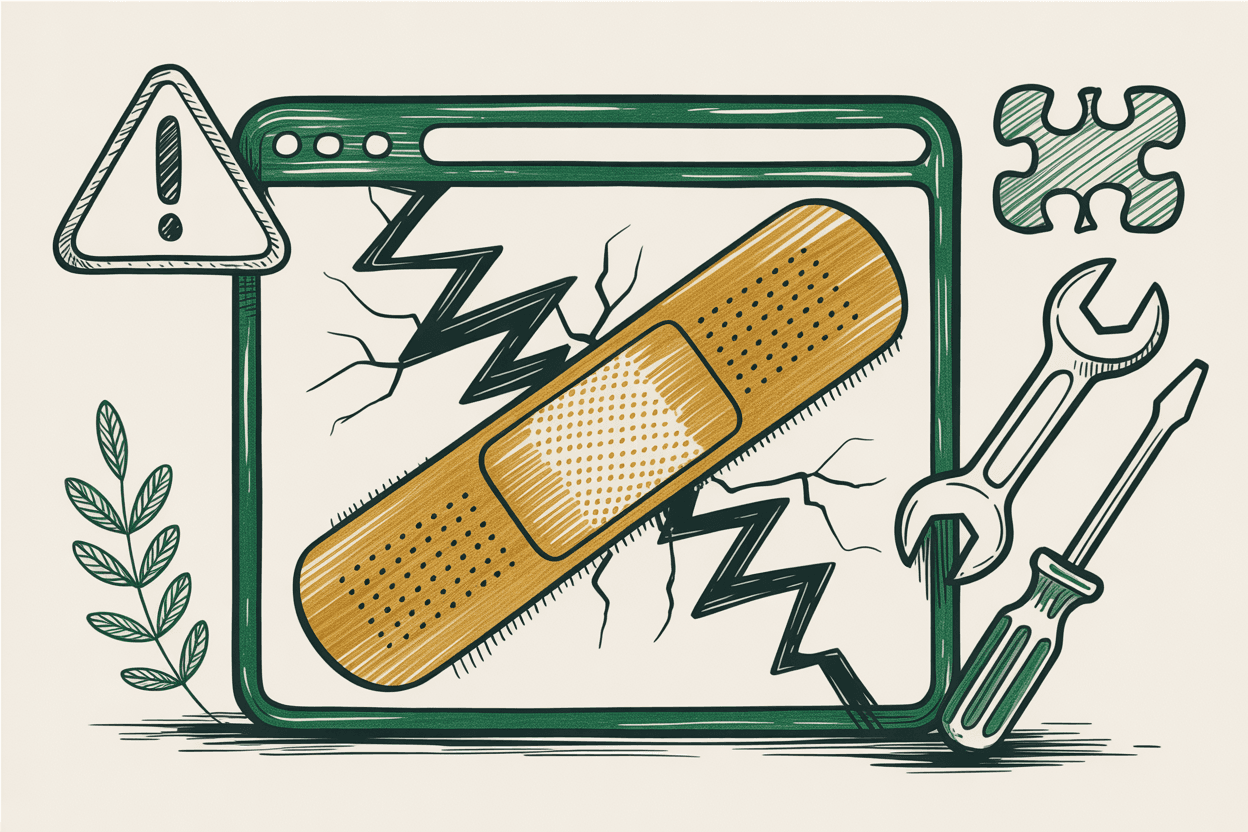
They can't fix your code. The most critical accessibility issues are structural: missing form labels, broken heading hierarchy, keyboard traps, incorrect ARIA attributes, missing alt text, inaccessible navigation patterns. An overlay sits on top of your website. It doesn't change the underlying HTML, CSS, or JavaScript. It's like putting a fresh coat of paint on a house with a cracked foundation.
They often make things worse for the people they claim to help. Screen reader users have repeatedly reported that overlays interfere with their existing assistive technology. The overlay's "screen reader mode" conflicts with the actual screen reader the person is already using, sometimes making the site harder to navigate than it was without the overlay. The National Federation of the Blind issued a public statement opposing overlays, noting that they "create additional barriers" for blind users.
They don't cover everything WCAG requires. WCAG 2.1 AA has 50 success criteria. Overlays can address a handful of visual adjustments (font size, contrast, cursor size), but they can't fix keyboard navigation issues, form accessibility, heading structure, link purpose, error handling, focus management, or any of the dozens of other requirements that live in the code itself.
The "AI-powered" claims are marketing. Some overlays claim to use artificial intelligence to automatically detect and fix accessibility issues. In testing, these AI features produce inconsistent results: generating inaccurate alt text, misidentifying page elements, and sometimes applying "fixes" that break the user experience entirely.
The Legal Reality
Overlays do not protect you from lawsuits. In fact, organizations using overlays have been named in ADA lawsuits. Courts have consistently found that the presence of an overlay does not constitute compliance with accessibility requirements.
Several high-profile cases have specifically cited overlays as insufficient. Plaintiff attorneys have started viewing overlay widgets as indicators that an organization knows it has accessibility problems but chose a shortcut instead of a real solution.
The Department of Justice has not endorsed any overlay product. No court has ruled that installing an overlay satisfies ADA requirements. And the companies selling overlays typically include disclaimers in their own terms of service stating that their product does not guarantee legal compliance.
Why Organizations Buy Them Anyway
It's not because people don't care about accessibility. It's usually because overlays are marketed to the people who make budget decisions (executive directors, board members, office managers), not to the people who understand web development.
The pitch lands well: it's cheap, it's fast, it doesn't require hiring a developer, and it comes with a badge you can put on your website that says "Accessible." For an overwhelmed nonprofit director or an HOA board member with no technical background, that sounds like the responsible choice.
The information gap is the problem. Most overlay buyers don't know what WCAG requires, don't know what screen readers need to work properly, and don't know that the overlay is creating new problems while claiming to solve existing ones.
What Actually Works
There's only one path to real accessibility: building it into the website itself.
Fix the code. Use proper HTML structure. Semantic headings, labeled form fields, descriptive link text, keyboard-navigable menus. These aren't expensive features. They're just good development practices that many developers skip because nobody asked for them.
Fix the content. Write meaningful alt text for every informational image. Add captions to videos. Structure documents with proper headings. Use plain language. These are content team tasks, not developer tasks, and they make a bigger difference than any toolbar widget.
Fix the design. Check your color contrast ratios. Make sure touch targets are at least 44x44 pixels. Design visible focus indicators so keyboard users can see where they are on the page. Ensure your layout works at 200% zoom without horizontal scrolling.
Test with real people and real tools. Run automated scans (axe DevTools, WAVE) to catch the easy stuff. Then do manual testing: tab through your pages, try a screen reader, complete your forms without a mouse. Automated tools catch 30-40% of issues. The rest requires human judgment.
Maintain it. Accessibility isn't a one-time project. Every new page, every content update, every design change can introduce new barriers. Build accessibility checks into your publishing workflow. Run scans monthly. Train your content team on the basics.
The Cost Comparison
An accessibility overlay costs $500 to $2,000 per year and doesn't make your site compliant.
A professional accessibility audit costs $500 to $5,000 one time and tells you exactly what's wrong and how to fix it.
Building an accessible website from scratch costs roughly the same as building an inaccessible one. The difference is the expertise of the developer, not the price of the project.
Remediating an existing site typically costs $2,000 to $10,000 depending on the size and severity of issues. That's real money, but it's a one-time investment that actually solves the problem. The overlay is a recurring cost that solves nothing.
What to Do If You Already Have One
If your organization currently has an overlay installed, here's a practical path forward.
Don't remove it immediately if you have no other accessibility measures in place. It's not doing much good, but removing it without a plan leaves you in the same spot.
Get an accessibility audit. Find out what your actual issues are and prioritize them by severity.
Start fixing the real problems. Begin with your most-visited pages and your most critical forms. Focus on keyboard navigation, form labels, alt text, heading structure, and color contrast.
Once you've made meaningful progress on the real issues, remove the overlay. At that point it's dead weight: costing you money, potentially interfering with screen readers, and signaling to informed visitors that you took a shortcut.
Replace the overlay badge with an accessibility statement. A page on your site that honestly describes your commitment, the standard you're working toward, known issues you're actively fixing, and a way for visitors to report barriers they encounter. That transparency builds more trust than any compliance badge ever could.
The Bottom Line
Accessibility overlays exist because the problem they claim to solve (making websites accessible to people with disabilities) is real and urgent. One in four US adults has a disability. The vast majority of websites have accessibility failures. Organizations genuinely need help.
But overlays are not that help. They're a product designed to be easy to sell, not to actually serve people with disabilities.
Real accessibility takes work. Not an unreasonable amount of work, but real work. And the organizations that do it right end up with websites that are better for everyone: faster, cleaner, easier to use, and more trustworthy.